Android Unused Apps: Review Permissions Before Removing Anything
Review unused Android apps, paused activity and permissions before uninstalling. Protect local files and account access while deciding what to keep.

Step-by-step coding and tech tutorials


Review unused Android apps, paused activity and permissions before uninstalling. Protect local files and account access while deciding what to keep.
Adjust iPhone text size and bold text, then test your everyday apps. Use a practical readability checklist instead of changing every display setting at once.
Choose which app opens PDF files in Windows 11, test a local document and separate Windows file associations from browser download preferences.
Recover recently closed Chrome tabs, check the correct profile and save important pages. Learn the limits of session recovery before resetting or reinstalling.
Scan documents on iPhone with Notes, review page order and export a readable PDF. Check corners, glare, file size and the recipient before sending.
Fix an Android hotspot connected but no internet error by checking phone data, tethering support and the client separately. Use a repeatable small-page test.
Troubleshoot a Windows 11 webcam through hardware, Windows permissions and app settings. Test locally first and avoid broad privacy changes or random drivers.
Set up Windows 11 clipboard history with Win+V, test copying and pasting, and review cross-device sync. Keep passwords and sensitive snippets out of history.
Set up a Windows 11 desk with the laptop lid closed. Check display mode, plugged-in lid behavior, cooling and the before-you-pack-away checklist.
Check what uses your Google storage, find large Gmail attachments and preserve important mail before deleting. Follow a small-batch cleanup checklist.
Troubleshoot Android Private DNS errors with a hostname check and a Wi-Fi versus mobile-data test. Learn what Automatic changes and when to stop.
Fix Windows 11 Nearby Sharing by separating device discovery from file transfer. Check sharing visibility, Bluetooth, Wi-Fi and a small test file.

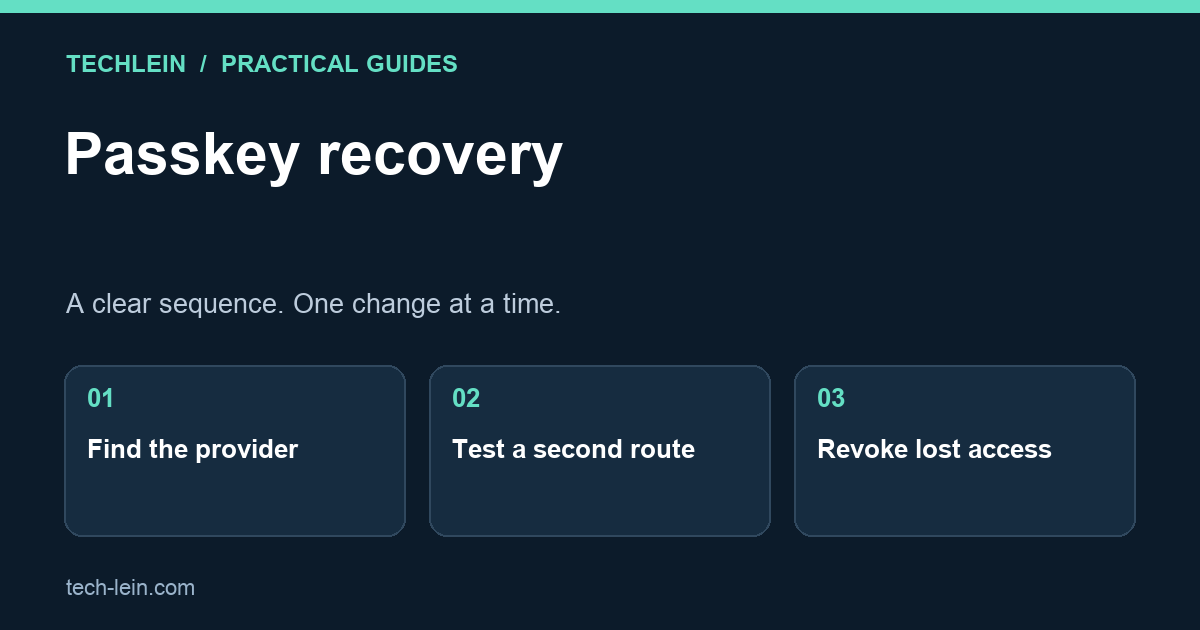
Learn where passkeys live, prepare a second sign-in route, and recover safely after losing a phone without locking yourself out.

Diagnose a USB-C monitor that charges but shows no picture. Check video support, cables, docks and Windows display settings in order.

Understand OneDrive deletion, Files On-Demand and independent backups. Use a small restore test before cleaning up important folders.

Avoid deleting your photo library by mistake. Compare device cleanup, cloud deletion and Archive, then verify backups before removing local files.

Review Chrome extensions by purpose and site access. Remove unused tools, narrow permissions and identify problems without breaking essential workflows.

Check Windows device encryption, locate the matching recovery key and test access before repair or hardware changes without weakening protection.

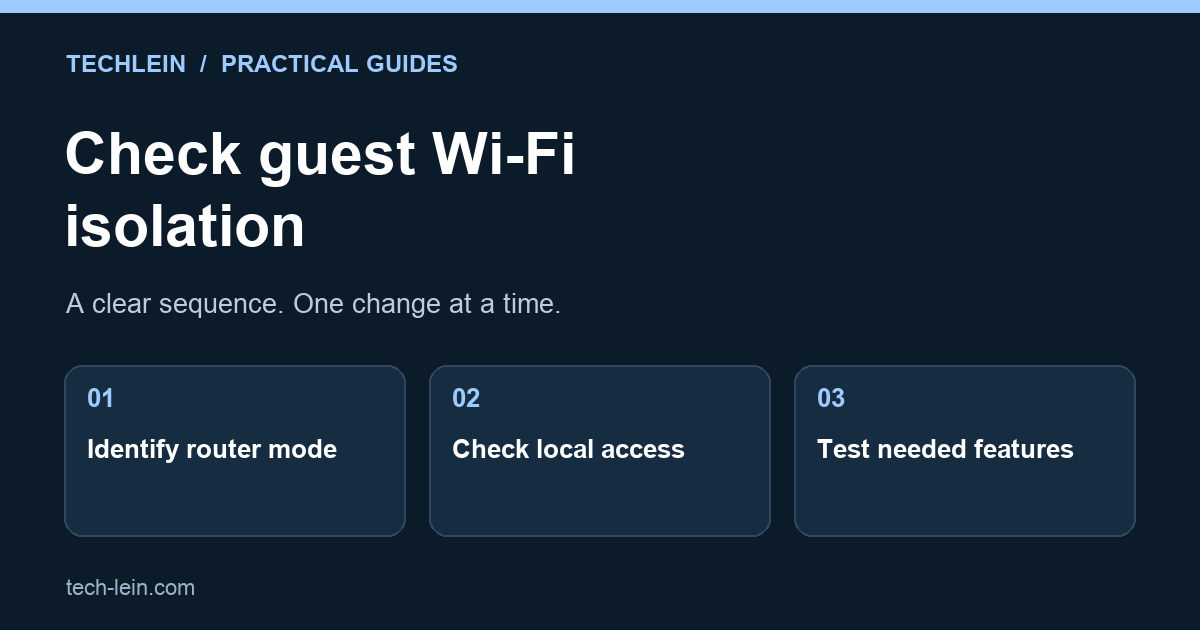
Set up guest Wi-Fi with a practical isolation check. Understand router versus access-point mode and avoid breaking printers, casting and smart-home control.

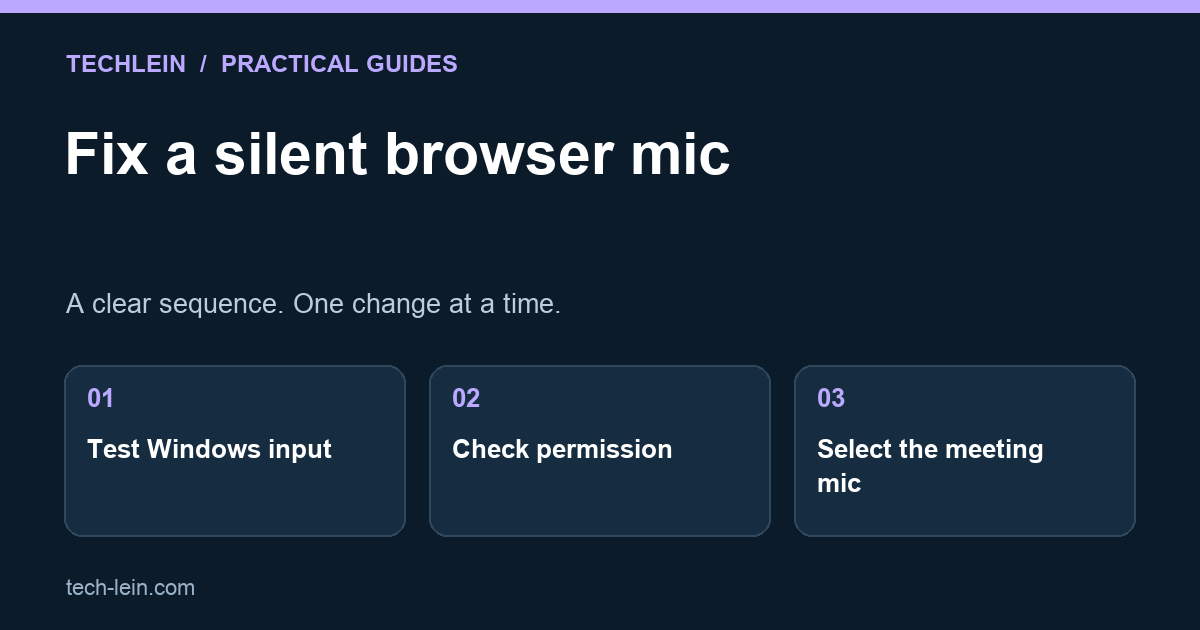
Find out whether a silent microphone is caused by the device, Windows privacy settings or Chrome site permissions before reinstalling anything.

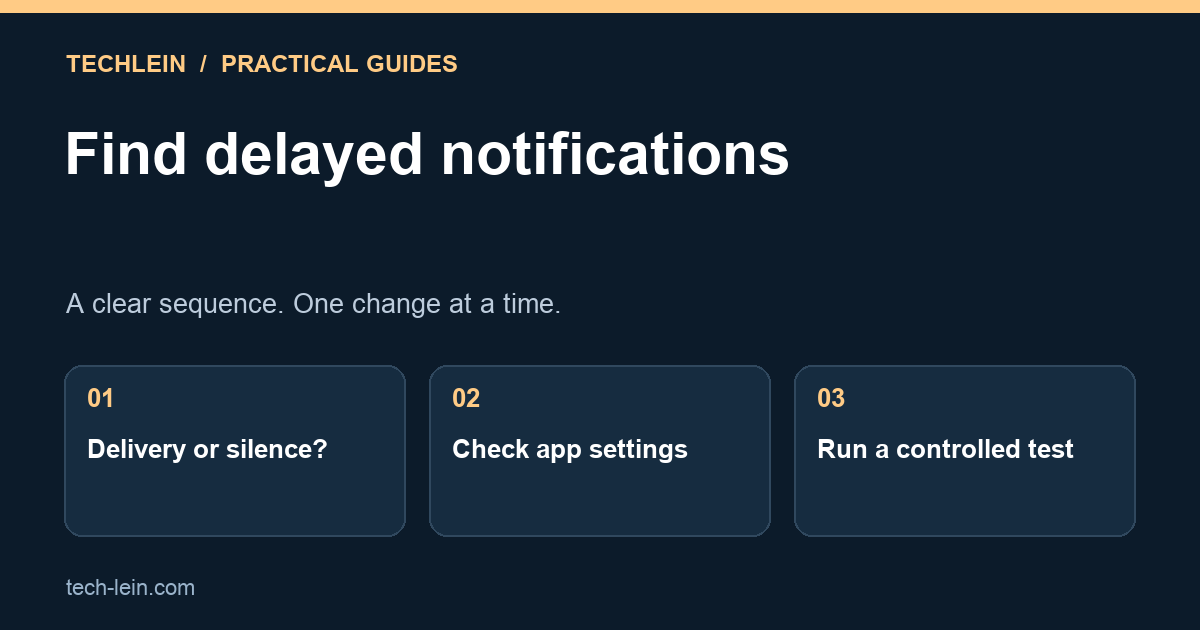
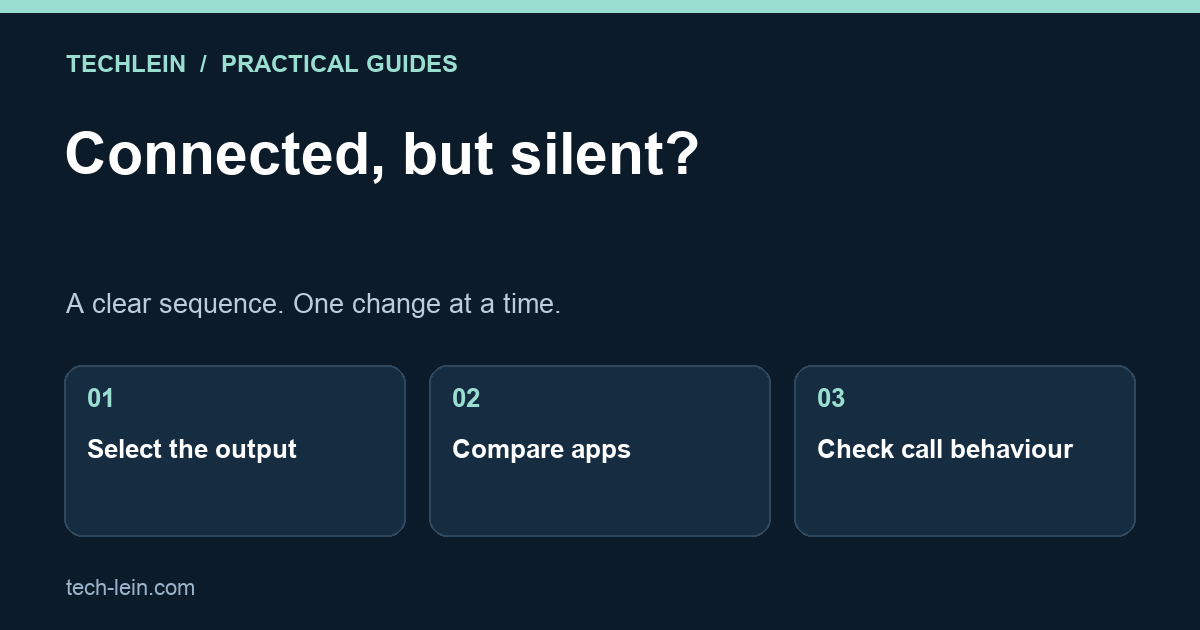
Separate silent alerts from delayed delivery on Android. Check app categories, focus modes, connectivity and battery settings one step at a time.

Trace Bluetooth audio problems from output selection to per-app volume and call mode. Test headphones methodically before replacing hardware.

How to create and use an ABHA health ID card in 2026: Aadhaar and driving licence routes, ABHA address, linking records and consent-based sharing.

A practical look at UMANG app services in 2026: EPFO passbook and claims, gas booking, PAN and Aadhaar requests, DigiLocker linking and state services.

How to transfer WhatsApp from Android to iPhone using Move to iOS: full steps, what carries over, what does not, and why third-party transfer tools are risky.

Learn how to block a lost phone with CEIR in India: file the police complaint, submit the IMEI request on Sanchar Saathi, and unblock it if recovered.

Connect a wireless printer to Windows 11 using Wi-Fi, Wi-Fi Direct or WPS, install the right driver, share it on your home network and fix offline errors.

Public Wi-Fi safety in 2026: what HTTPS already protects, the real risks like evil twin hotspots, where a VPN helps and the settings to change before you travel.

Reduce mobile data usage on Android: find the app eating your pack, use Data Saver, cap streaming quality, fix WhatsApp auto-download and set a data limit.

UPI payment failed but money deducted? Learn the auto-reversal timeline, how to raise a dispute, escalate to your bank and NPCI, and reach the RBI Ombudsman.

Check laptop battery health on Windows 11 with a powercfg battery report, read design versus full charge capacity, and learn when a battery needs replacing.

How to recover a hacked Google account in 2026: the recovery flow, what improves your odds, the lockdown checklist afterwards and what to do if it fails.

A practical guide to AI for exam preparation in India: where it helps with concepts and practice questions, and where it is dangerously wrong.

How to sell an old phone safely: back up, transfer eSIM, unlink UPI and accounts, and why a factory reset data wipe is enough on encrypted phones.

How to stop spam calls in India: register for DND on 1909, block by category, report spam SMS, use call screening, and report fraud through Chakshu.

Find out how many SIM cards are registered on your Aadhaar using the free Sanchar Saathi service, and how to report a connection that is not yours.

How to recover deleted files on Windows in 2026: Recycle Bin, File History, OneDrive and free recovery tools, plus why an SSD makes recovery much harder.

Complete Wi-Fi calling setup guide for India: enable VoWiFi on Jio, Airtel and Vi, brand-wise settings paths, call quality tips, and why the toggle is missing.

UPI international payment explained: which countries accept UPI QR, how to activate international use, NRI setup with a foreign number, and the charges involved.

The complete mAadhaar app guide for 2026: profile setup, biometric lock, Virtual ID, offline eKYC and the secure QR code, explained step by step.

How to enable 5G on Android in India: the exact setting path for Samsung, Xiaomi, Vivo, Oppo, OnePlus and Realme, plus VoNR and battery drain explained.

UPI AutoPay explained: how e-mandates are created, the pre-debit notification, where to cancel mandates in each app, and why recurring debits fail.

A clear guide to Aadhaar update online in 2026: what you can change on the UIDAI portal, what needs a Seva Kendra visit, documents and timelines.

Learn how to check if your data leaked in a breach using free tools, what a hit really means, and the exact fix order to secure your accounts fast.

Want to port your mobile number? Full MNP process for 2026: the PORT SMS to 1900, UPC validity, KYC at the new operator, and why port requests fail.

UPI Lite explained for 2026: on-device balance, PIN-free small payments, NFC-based Lite X offline transfers, current limits and how to enable or disable it.

Learn how to download e-PAN card online in 2026 through NSDL, UTIITSL, the income tax portal or DigiLocker, plus the PDF password and error fixes.

The exact order to set up a new Windows laptop in 2026: updates, drivers, removing bloatware, encryption, backup, startup apps and the mistakes that quietly slow a machine down.

Which second factor to choose and exactly how to enable it on Google, WhatsApp, banking and UPI apps, social media and Aadhaar services, plus how to avoid locking yourself out.

A ten-minute verification routine for any phone purchase in India: IMEI matching, free KYM and CEIR lookups, warranty status checks, physical tells and software red flags.

A complete 2026 guide to DigiLocker: account setup, which documents you can fetch, issued vs uploaded documents, safe sharing, and fixes for the errors that stop most people.
A buying framework rather than a product list: which specs actually affect daily use, why the same processor performs differently between laptops, and what not to overpay for.
Most people think they have a backup and do not. Here is what your phone backup misses, and a routine that actually protects your photos, chats and login codes.
How WhatsApp accounts are actually taken over, the settings that stop it, and exactly what to do if you lose access to yours.
What genuinely drains your phone battery today, what shortens its lifespan over years, and which popular battery tips are myths worth ignoring.
Twenty Android settings worth changing, covering battery, privacy, storage and everyday speed, with notes on where each lives across different manufacturers.
How to tell whether your problem is the internet, the Wi-Fi signal or one device, and the fixes that actually work, including why extenders often make it worse.
How to find what is really filling your drive and clear the big wins safely, plus a clear list of the files you should never delete.
How laptop cooling actually works, why a hot laptop becomes a slow one, and the fixes for overheating ordered from safest to most involved.
The Windows 11 settings that genuinely improve performance, why each one helps, and an honest list of the popular tweaks that do nothing or actively hurt.
Fifteen fixes for a slow laptop, ordered by impact, plus how to diagnose whether the real bottleneck is your CPU, RAM, drive or heat before you change anything.
Learn essential sustainable business practices for 2026. Discover how tech companies are reducing carbon footprints and implementing green IT strategies.