Free Fire MAX Official Download Guide for Android (India, 2026)
A safe Free Fire MAX download guide for Android in India (2026) — how to get the game from official sources, requirements and avoiding hacks and fake APKs.


Free Fire MAX is one of the most popular mobile battle-royale games in India, and “Free Fire MAX download” is a top gaming search. This guide shows you how to download and install Free Fire MAX safely from official sources, along with device requirements — and why you should never use hacks or modded APKs. New to app files? See our guide on what an APK file is.
The Safe Way to Do a Free Fire MAX Download
The official and safest source for Free Fire MAX is the Google Play Store, where it is published by Garena. Downloading from the Play Store guarantees you get the genuine game with proper updates and anti-cheat protection. Avoid any site offering the game APK from unofficial servers.
Device Requirements
Free Fire MAX has higher graphics requirements than the standard version, so it runs best on phones with enough RAM and a reasonably modern processor. Make sure you have sufficient free storage before downloading, as the game plus updates can be large. If your device is older, performance may vary.
Step-by-Step Installation
Open the Play Store, search for “Free Fire MAX” by Garena International, and tap Install. After it downloads, open the game and let it fetch any additional resource files. Sign in with your preferred account to save your progress, and you are ready to play.
Never Use Hacks, Mods, or Cracked Versions
You will see sites and videos promising unlimited diamonds, aimbots, auto-headshot, or modded Free Fire APKs. Avoid all of them. They are against Garena’s rules and will get your account permanently banned, and the files themselves very often contain malware that can steal your data. Our guide on spotting fake and unsafe APK sites explains the danger.
Keeping the Game Updated
Free Fire MAX updates regularly with new content and security fixes, and the anti-cheat system requires the current version. Let the Play Store update it automatically so you are never locked out of matches. If it fails to update, see our guide on Free Fire not installing troubleshooting.
Conclusion
A safe Free Fire MAX download means using only the Google Play Store and staying far away from hacks and modded APKs. Check your device meets the requirements, install from the official source, keep it updated, and play fair. That protects both your account and your phone.
Tags:
More from TechLein Editorial Team
View all articles →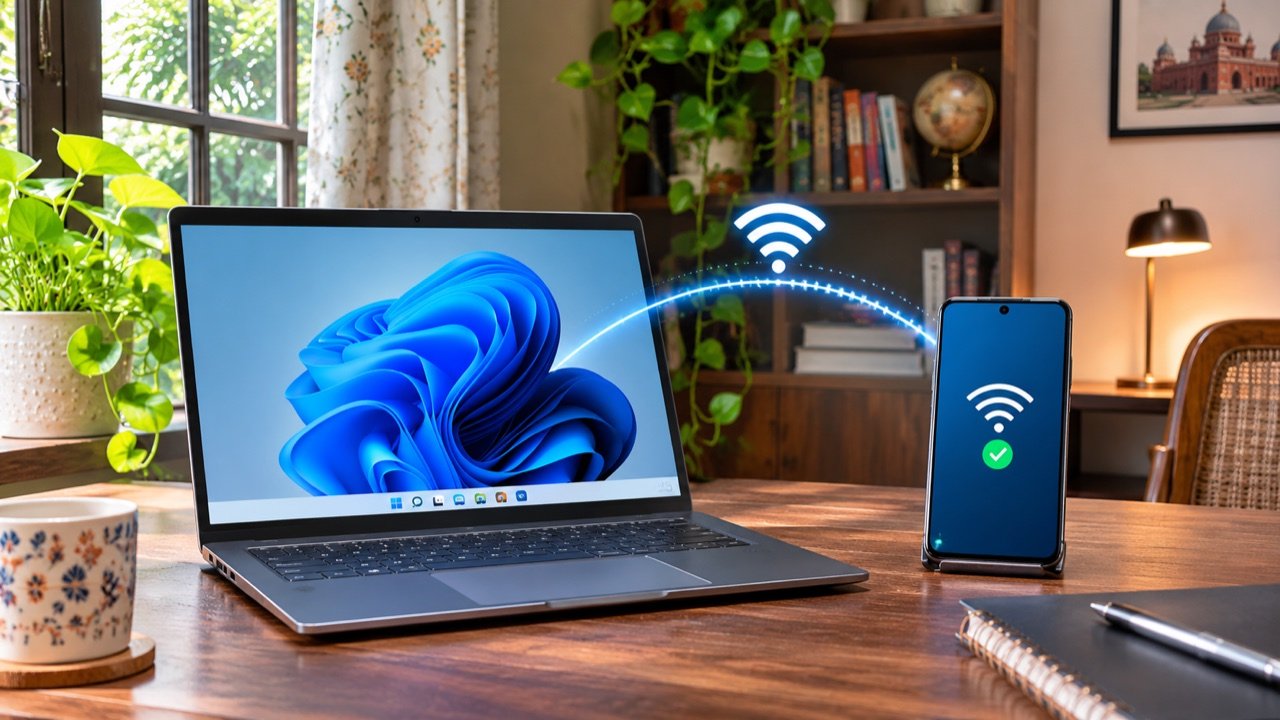
How to Set Up a Windows 11 Mobile Hotspot in India
A Windows mobile hotspot lets your laptop share its internet connection with a phone or another nearby device. It can be useful in an Indian hostel with Ethernet access, a home office with a wired connection, or a temporary workspace where you need to connect a second device. The laptop becomes the local access point; […]

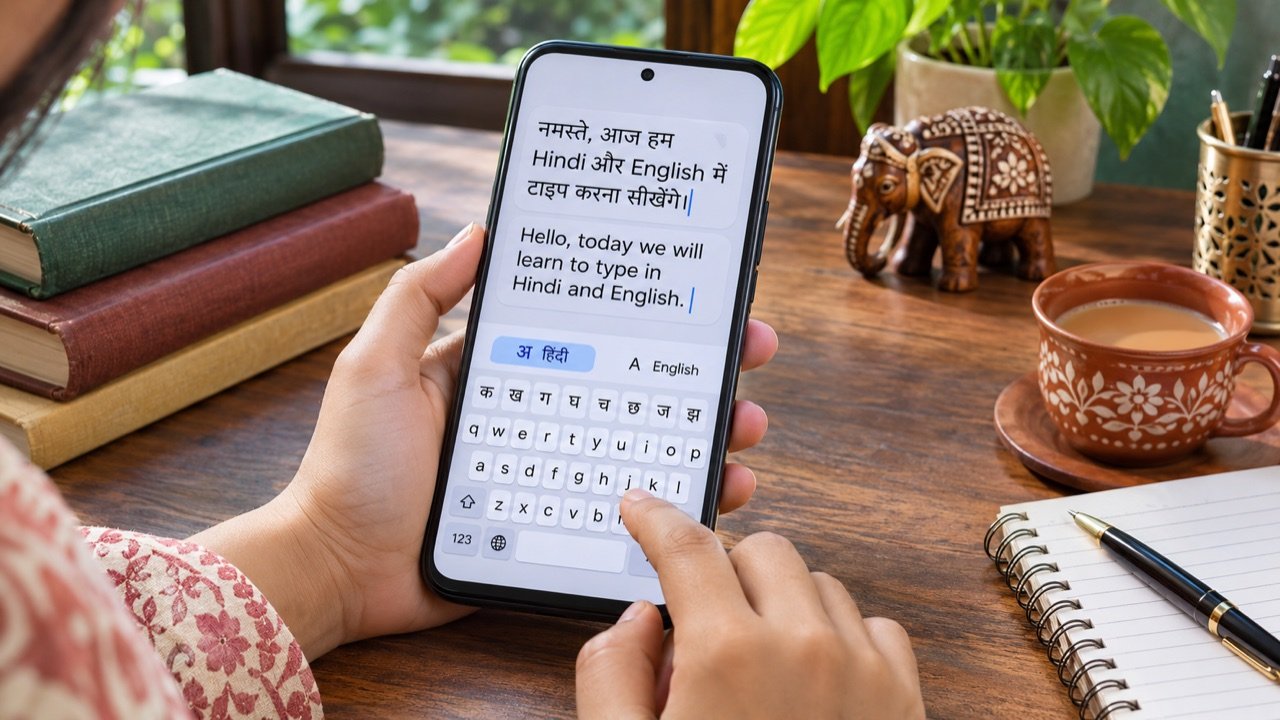
How to Type in Hindi on Android with Gboard: A Practical India Guide
Type Hindi while keeping your phone menus in English To type Hindi on an Android phone with Gboard, open a text field, tap the keyboard’s settings icon, choose Languages → Add keyboard, and select Hindi. Pick the available layout that suits how you want to type, then tap Done. Hold the space bar to switch […]
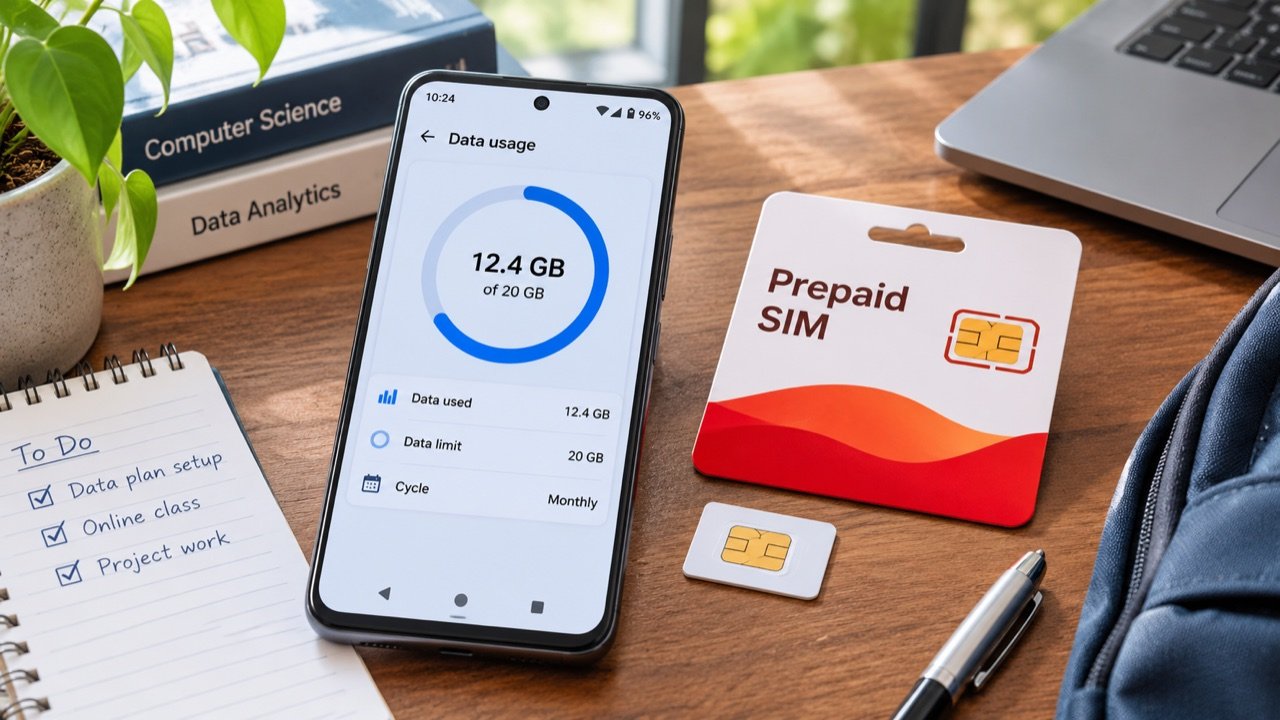
How to Use Android Data Saver in India Without Missing Important Alerts
Make your daily mobile data allowance last longer To reduce mobile data use on an Android phone in India, first check which apps consumed your allowance, then enable Data Saver and adjust the highest-usage apps individually. On phones with Google’s standard Android menus, the setting is under Settings → Network & internet → Data Saver. […]