Passkey Recovery: What to Do Before and After Losing Your Phone
Learn where passkeys live, prepare a second sign-in route, and recover safely after losing a phone without locking yourself out.

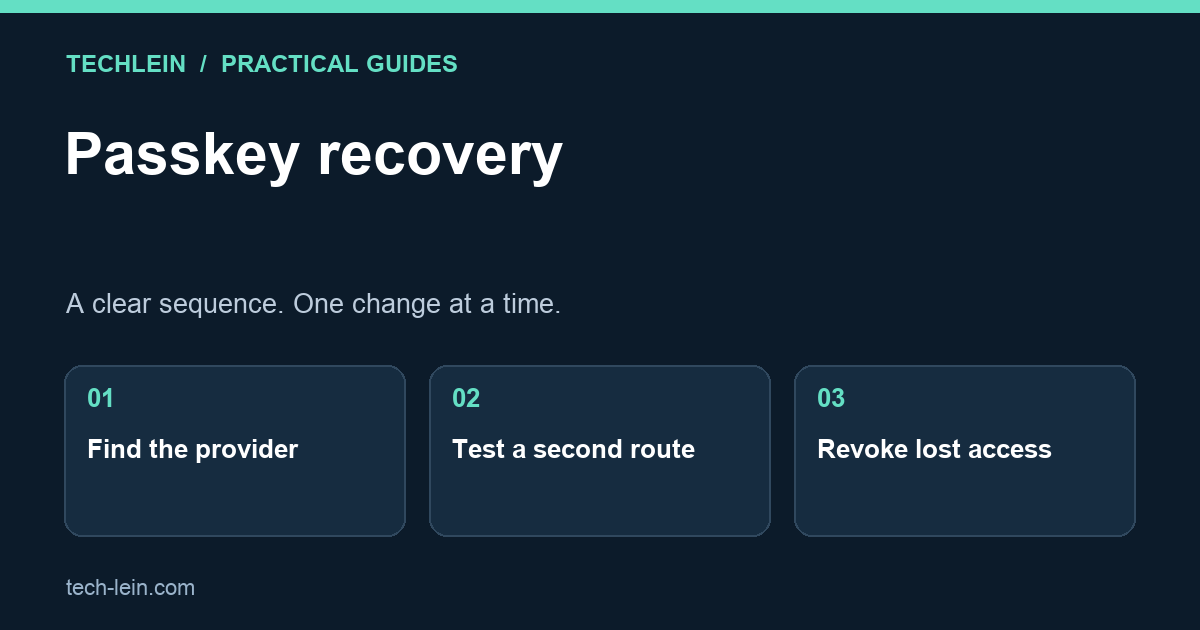
A passkey can make signing in easier, but a lost phone still creates a practical question: where is the credential, and how will you reach it? The answer depends on whether the passkey is synced by a password manager or tied to one device. Make that distinction before removing anything from your account.
Quick answer: keep one working session open, identify your passkey provider, and test an independent recovery route. If the phone is missing, use the service’s official sign-in and device-security pages. Do not delete your last working method while experimenting.
First, find where the passkey is stored
A service account and the place storing its passkey are different things. For example, the website knows your public credential, while a device or credential manager handles the private credential. FIDO distinguishes synced passkeys from device-bound passkeys; losing access to the provider can matter even when syncing is available. See FIDO’s passkey explanation.
| Your situation | What to check first |
|---|---|
| Passkey in a synced manager | Can another trusted device open that same manager and account? |
| Passkey on a hardware security key | Do you have that key or another enrolled sign-in method? |
| Passkey stored only on a missing device | Use the website’s recovery or alternate authentication flow. |
| Work or school account | Ask the administrator which recovery methods are permitted. |
Prepare without risking your existing access
- Inventory important accounts. Start with your main email and password manager, because other services may depend on them. Record the provider and recovery route, not secret codes, in an ordinary checklist.
- Check the account’s security page. Confirm that recovery contact details belong to you and remain accessible. Save any offered recovery codes in a protected place separate from the phone.
- Test a second route. On another device you own, check whether you can sign in. Keep the first session open. A successful unlock of the phone alone does not prove recovery will work elsewhere.
- Label enrolled devices. Names such as “personal laptop” and “spare security key” make future removal less error-prone than a list of unnamed credentials.
- Repeat after changing providers. A new phone is not a complete migration until essential accounts work on it.
For Google Accounts, adding a passkey does not remove existing authentication or recovery factors. Google also documents removing a passkey after losing its device. The exact choices differ for automatically created Android passkeys and credentials saved by other managers. Follow the relevant section of Google’s passkey guide.
If the phone is already lost
Use a trusted computer and enter the service address yourself. Try an available secondary credential or the official recovery process. Once access is restored, review signed-in devices and remove access associated with the missing phone. Do not assume deleting one passkey ends every existing session. Also follow the operating system’s lost-device process; Google provides a separate lost-device checklist.
Example: your shopping account uses a passkey synced through a manager, but the manager itself needs approval from the missing phone. The shopping account is not necessarily broken. The dependency is the manager’s recovery. Writing down that dependency in advance tells you which account to recover first.
Mistakes that make recovery harder
- Keeping every recovery code only in screenshots on the same phone.
- Removing the old credential before testing the replacement.
- Sharing recovery codes with someone offering paid “unlocking” help.
- Assuming a spare device works because it worked months ago.
Does a passkey remove the need for recovery planning?
No. It changes everyday authentication, not the possibility of losing devices or accounts. A useful recovery plan is one you have actually rehearsed without deleting your current access. Recheck it when you replace a phone, change a password manager, or lose access to a recovery email.
Related TechLein guides
- Two-Factor Authentication Setup Guide 2026: Google, WhatsApp and Bank Apps
- How to Recover a Hacked Google Account (2026 Step-by-Step Guide)
Editorial note: This guide was prepared with AI assistance and checked against the official documentation linked above on 27 October 2026. The troubleshooting examples are illustrative, not claims of hands-on product testing. Menus and available features can vary by device and software version.
Tags:
More from TechLein Editorial Team
View all articles →Laptop Stand vs Cooling Pad: Evaluate Airflow Before Buying
Compare a laptop stand and active cooling pad for ventilation, desk space and noise. Establish a baseline and avoid unsupported temperature claims.

Wired vs Bluetooth vs USB Receiver Mouse: A Workday Comparison
Compare mouse connection types for ports, pairing, power and travel. Use a task-based checklist and check exact model support before buying.
Android Unused Apps: Review Permissions Before Removing Anything
Review unused Android apps, paused activity and permissions before uninstalling. Protect local files and account access while deciding what to keep.