TechLein App and TechLein PF Searches: Official Source Check
Searching TechLein app or TechLein PF? Learn what the official TechLein publication is and how to verify apps, portals and account-related claims safely.

Queries such as TechLein app and TechLein PF can mix a publication name with an assumed product or service. The TechLein site at tech-lein.com is a technology publication. A search phrase by itself does not prove that a mobile app, provident-fund portal or account service is operated by the publisher.
Separate search intent from official identity
Autocomplete and remembered phrases help people explore, but they are not ownership records. An official app relationship should be disclosed on the verified website and supported by a store listing whose developer identity and privacy policy agree.
Checklist for an app claim
- Start at tech-lein.com and look for a direct official link.
- Verify the app-store developer name and linked website.
- Review permissions, data collection and recent update history.
- Avoid sideloaded files from unknown pages.
- Do not reuse an important password in an unverified app.
Checklist for PF or account claims
Provident-fund and financial-account actions should use the competent government, employer or regulated provider channel. Confirm the registered domain independently, never disclose an OTP to a caller and do not treat an editorial article as an account portal.
What TechLein can do
The publication may explain apps, privacy or digital services, but an explanation is different from operating the service. Articles should link to current primary documentation and make that boundary clear.
The safe conclusion
Use tech-lein.com to verify TechLein editorial content. Treat any app, PF or account-related destination as separate until a clear first-party connection is established. This protects readers while answering the navigational query accurately.
Tags:
More from TechLein Editorial Team
View all articles →
How to Set Up a Windows 11 Mobile Hotspot in India
A Windows mobile hotspot lets your laptop share its internet connection with a phone or another nearby device. It can be useful in an Indian hostel with Ethernet access, a home office with a wired connection, or a temporary workspace where you need to connect a second device. The laptop becomes the local access point; […]

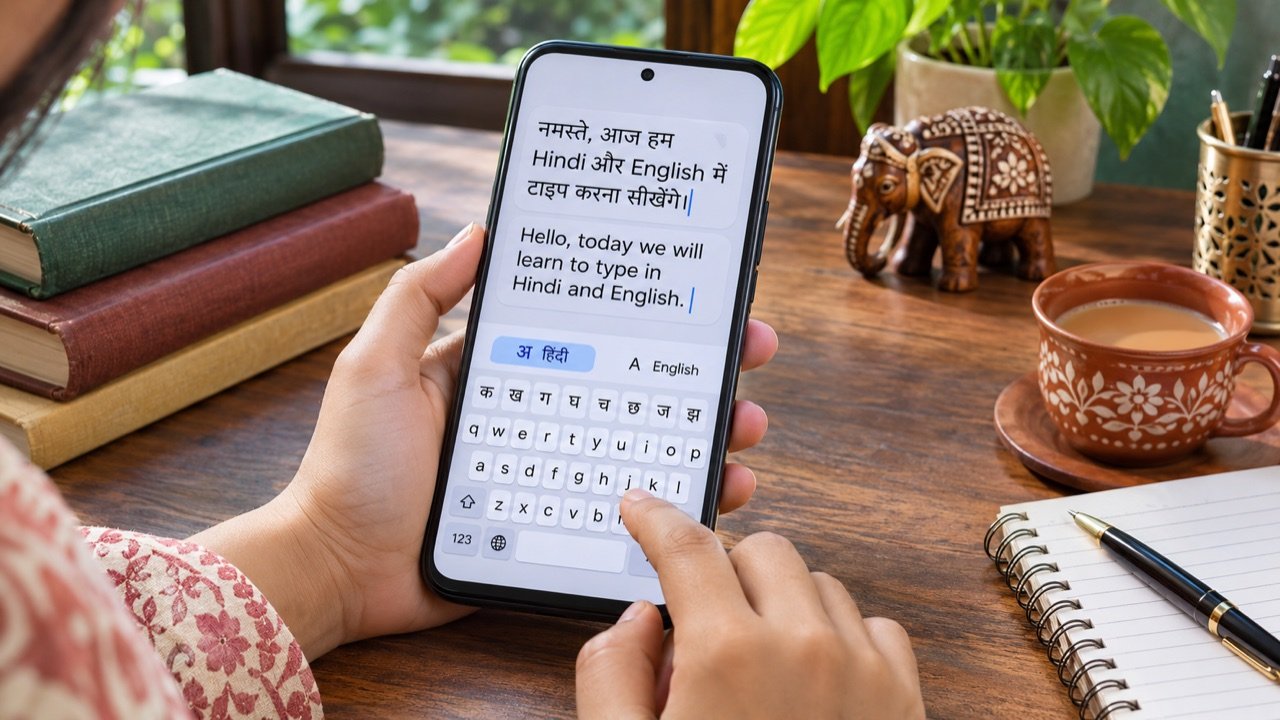
How to Type in Hindi on Android with Gboard: A Practical India Guide
Type Hindi while keeping your phone menus in English To type Hindi on an Android phone with Gboard, open a text field, tap the keyboard’s settings icon, choose Languages → Add keyboard, and select Hindi. Pick the available layout that suits how you want to type, then tap Done. Hold the space bar to switch […]
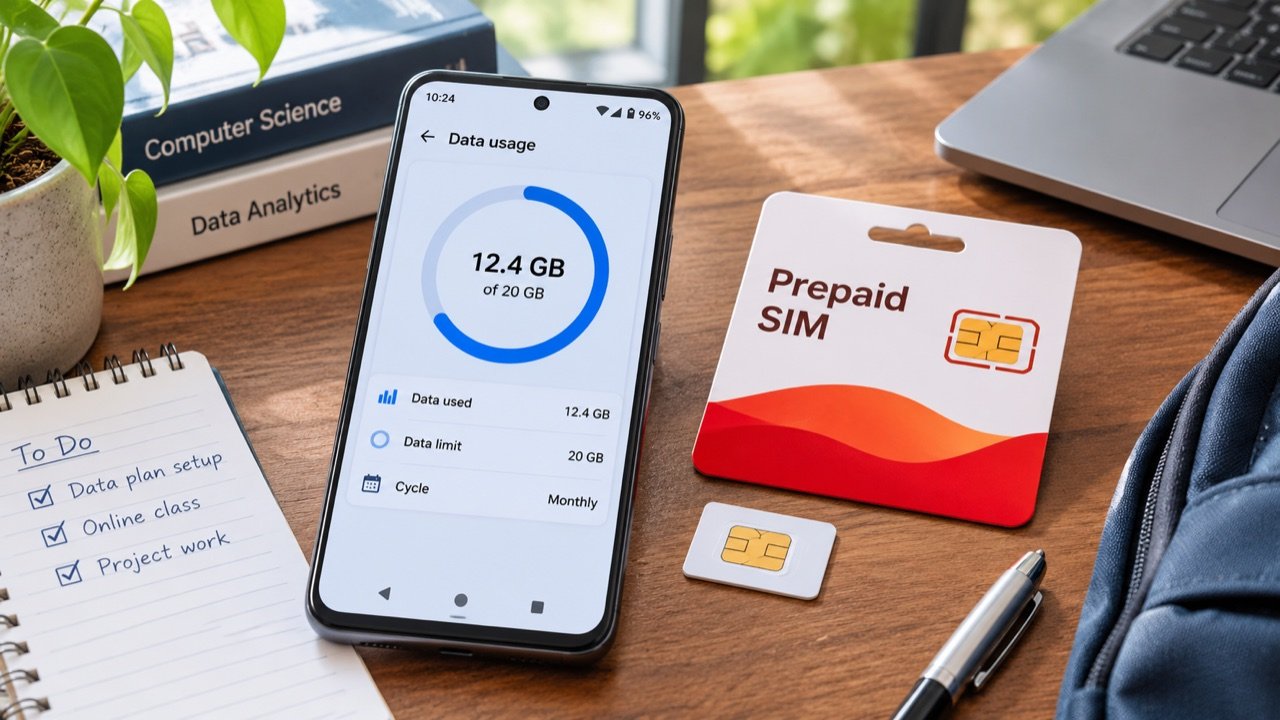
How to Use Android Data Saver in India Without Missing Important Alerts
Make your daily mobile data allowance last longer To reduce mobile data use on an Android phone in India, first check which apps consumed your allowance, then enable Data Saver and adjust the highest-usage apps individually. On phones with Google’s standard Android menus, the setting is under Settings → Network & internet → Data Saver. […]